STARTER
FREE
For testing the core Gemini export workflow.
- 10 Gemini conversation exports per month
- Conversation text and image capture
- Clean local conversation folders
- Basic export history
Save the conversation and the assets around it—images, audio, video, Canvas files, Markdown, HTML, and code—inside one organized local folder.
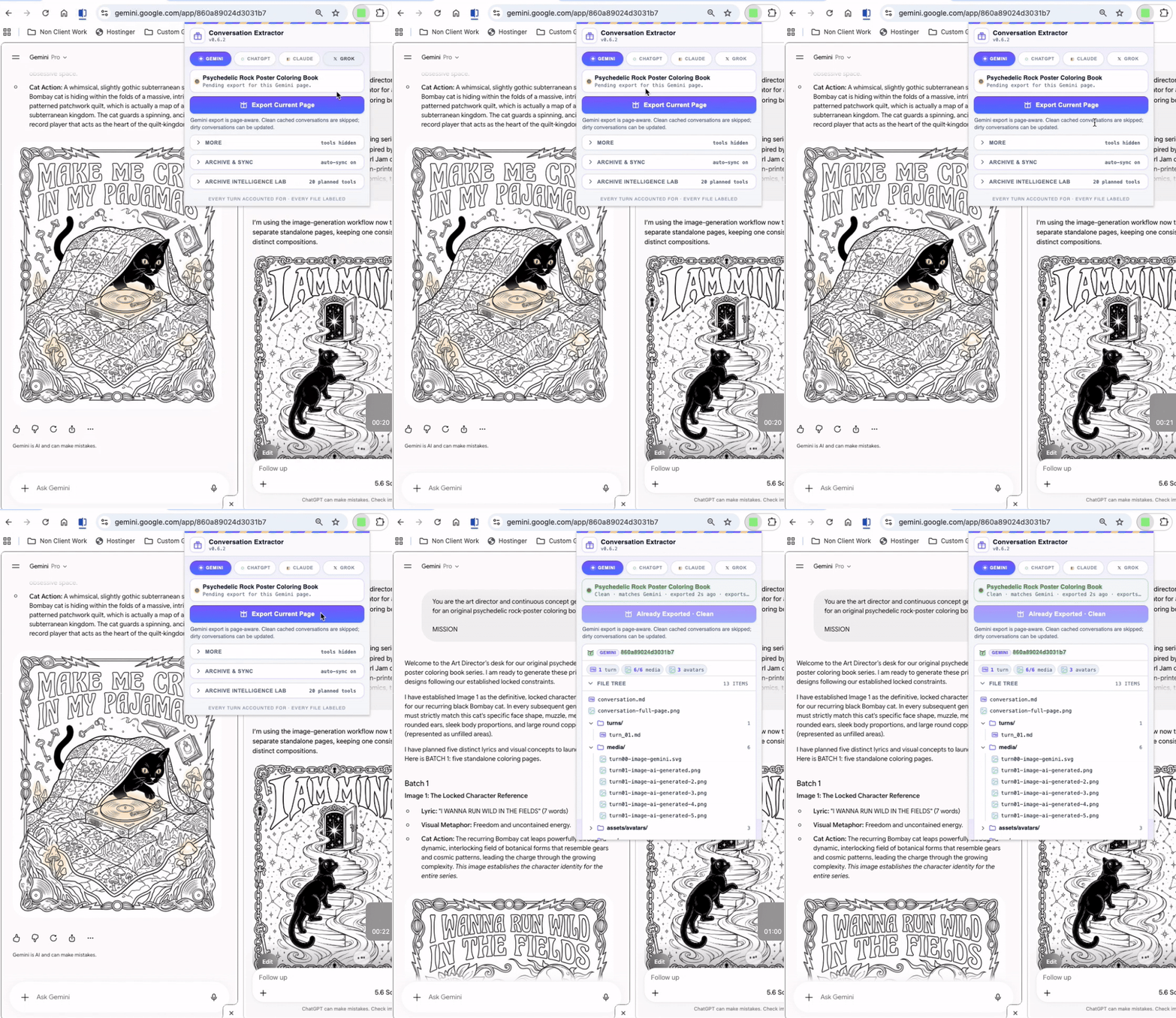
The value is not just the transcript. It is the images, audio overviews, videos, Canvas HTML, Markdown, and code snippets scattered across conversation turns.
Gemini Exporter creates one conversation folder per chat, groups media by type, preserves individual turns, and builds an inventory you can actually reuse.
The extension is built around the messy reality of modern AI output: useful files appear in cards, previews, downloads, canvases, snippets, and generated-media containers.
Each Gemini conversation exports into its own folder with turns, metadata, and grouped assets.
Generated images, embedded images, Canvas HTML, Markdown, and related assets are separated cleanly.
Audio overviews and generated audio are routed into dedicated folders instead of disappearing in the chat UI.
Video elements and downloadable media are cataloged so you can review, reuse, and package them later.
Code blocks, HTML drafts, app snippets, and generated files are preserved with useful filenames.
Asset counts help confirm what was captured across images, audio, video, Canvas, snippets, and turns.
Gemini is the flagship workflow. All Access extends the same organized model across ChatGPT and Claude, while keeping each provider's original files intact and easy to recognize.
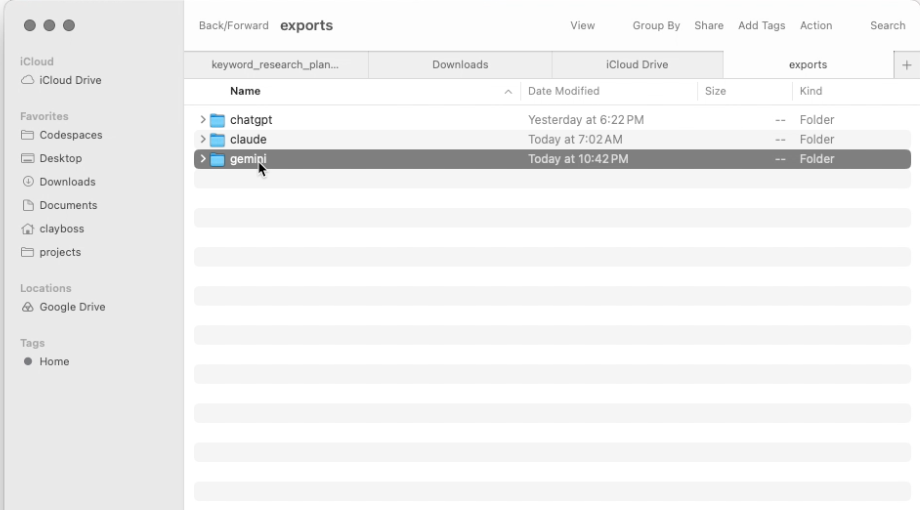
Three clear products—from trying the Gemini workflow to managing every provider with Git-backed history.
For testing the core Gemini export workflow.
For creators who use Gemini as a serious workspace.
For one organized archive across every supported provider.
Keep the work you already generated in a portable folder structure you can browse, back up, version, and turn into the next article, app, video, or client deliverable.