How to Back Up Gemini Conversations Without Losing Privacy
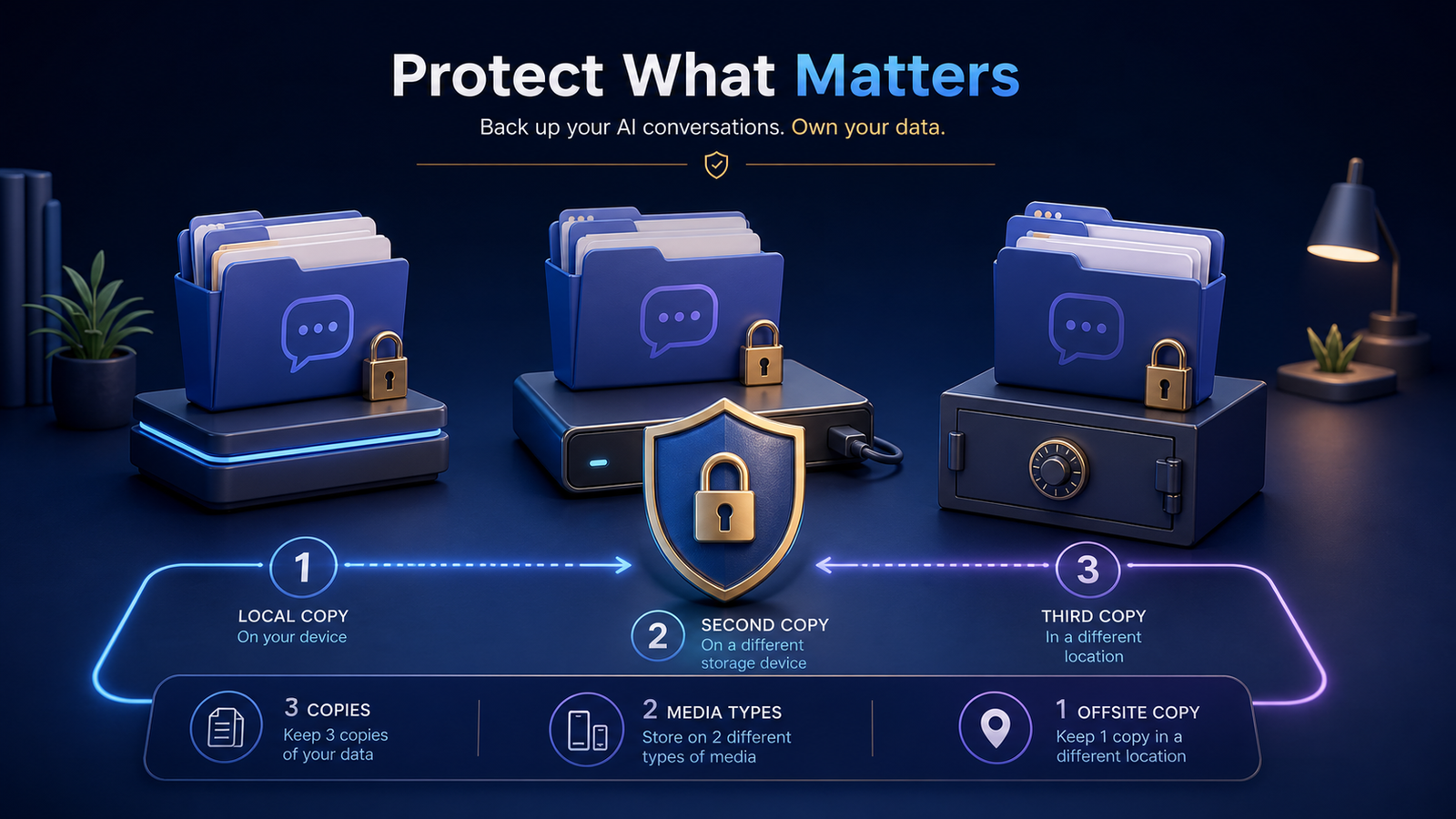
Privacy-aware backup means multiple independent copies you can actually restore.
To back up Gemini conversations safely, keep multiple protected copies, separate at least one copy from your main device, and test that you can restore the files. Privacy matters because conversations can contain unpublished work, personal details, customer information, account data, or confidential plans.
Export only material you are authorized to retain. A backup increases durability, but it also increases the number of places that sensitive data may exist.
Review Google’s controls for managing and deleting Gemini Apps activity as a separate step. Downloading an archive does not remove the account data, and work or school account controls may be managed by an administrator. For broader data-hygiene context, CISA’s Cybersecurity Best Practices are a useful non-product checklist for access control and recovery planning.
Classify conversations before choosing storage
Use a simple sensitivity label:
- Public: safe to publish or share widely
- Internal: ordinary project material with limited access
- Confidential: business, client, financial, or personal information
- Restricted: especially sensitive data requiring explicit controls
The label should affect where a file can be stored, who can access it, and how long it is retained. Do not place restricted conversations in a broadly shared folder merely because that folder is convenient.
Apply the 3-2-1 backup principle
For important archives, aim for:
- Three copies of the data
- Two different types of storage
- One copy in a separate physical or administrative location
For example, keep the working archive on an encrypted computer, a second copy on an encrypted external drive, and a third encrypted copy in a separate location. The exact arrangement can vary. Independence is the point: one accident or compromised account should not destroy every copy.
Synchronization alone may not meet this goal. A sync service can propagate deletion, corruption, or ransomware-encrypted files. Review version history and recovery limits instead of assuming they are unlimited.
Encrypt devices and backup destinations
Use full-device encryption on computers and phones that store exports. Encrypt removable drives, and protect the encryption recovery key separately from the drive.
For hosted storage, review encryption, account recovery, multifactor authentication, sharing defaults, retention, and deletion behavior. Client-side encryption can reduce provider access, but it also makes key management your responsibility. Losing the only key can make a perfect backup permanently unreadable.
Avoid placing secrets inside filenames because filenames and folder names may appear in logs or synchronization metadata even when file contents are encrypted.
Limit access and accidental sharing
Create a dedicated archive location instead of mixing conversation exports with public team assets. Grant the smallest necessary access. Remove former collaborators and expired sharing links during regular reviews.
Before sharing an individual conversation:
- Make a separate redacted copy.
- Remove unrelated personal and account information.
- Check attachments and linked documents.
- Confirm the intended audience.
- Set an expiration when the platform supports it.
Do not redact only the visible transcript while leaving sensitive data in JSON fields, comments, document properties, or attached files.
Protect integrity as well as confidentiality
A private backup is not useful if files are incomplete or silently corrupted. Retain an unchanged source export when provenance matters. Consider checksums for large or important collections, and use version history for working copies.
Keep conversation files and their attachment folders together. The attachment preservation checklist explains how to avoid a transcript that restores without its evidence.
Test restoration on a schedule
At least periodically:
- Select a conversation with links and attachments.
- Restore it to a temporary location.
- Open the transcript with an independent application.
- Verify that search works.
- Open local images and files.
- Confirm that the restored copy matches the expected version.
- Remove the temporary restored copy securely when appropriate.
A green backup status does not prove that recovery works. Restore testing is the practical evidence.
Define retention and deletion rules
Keeping everything forever is not automatically safer. Old conversations can retain obsolete secrets, customer data, or personal information with no continuing value.
Define retention by purpose and sensitivity. When a record reaches the end of its useful life, remove it from the working archive, synchronized devices, backup rotation, and search indexes according to your storage systems’ capabilities. Document exceptions for legal, contractual, or business requirements.
Frequently asked questions
Is a local-only archive always more private?
Not automatically. A local archive can be exposed by malware, theft, weak device access, or an unencrypted backup. Local control is valuable when paired with encryption, updates, access discipline, and recovery planning.
Should I store Gemini exports in a password manager?
Password managers are designed for credentials and small secure records, not necessarily large conversation archives and media collections. Use storage designed for encrypted files, and keep actual credentials out of conversation exports whenever possible.
Can I email exports to myself as a backup?
Email creates additional copies, metadata, and access paths, and attachments may exceed limits. It is rarely a good primary backup system for a growing private archive.
Make privacy part of organization
Add sensitivity to the metadata and filename-independent catalog described in the folder organization guide. Then build retrieval with the searchable archive guide while excluding restricted folders where necessary. Return to the complete export workflow for the full system.