How to Export and Organize Gemini Conversations: A Complete System
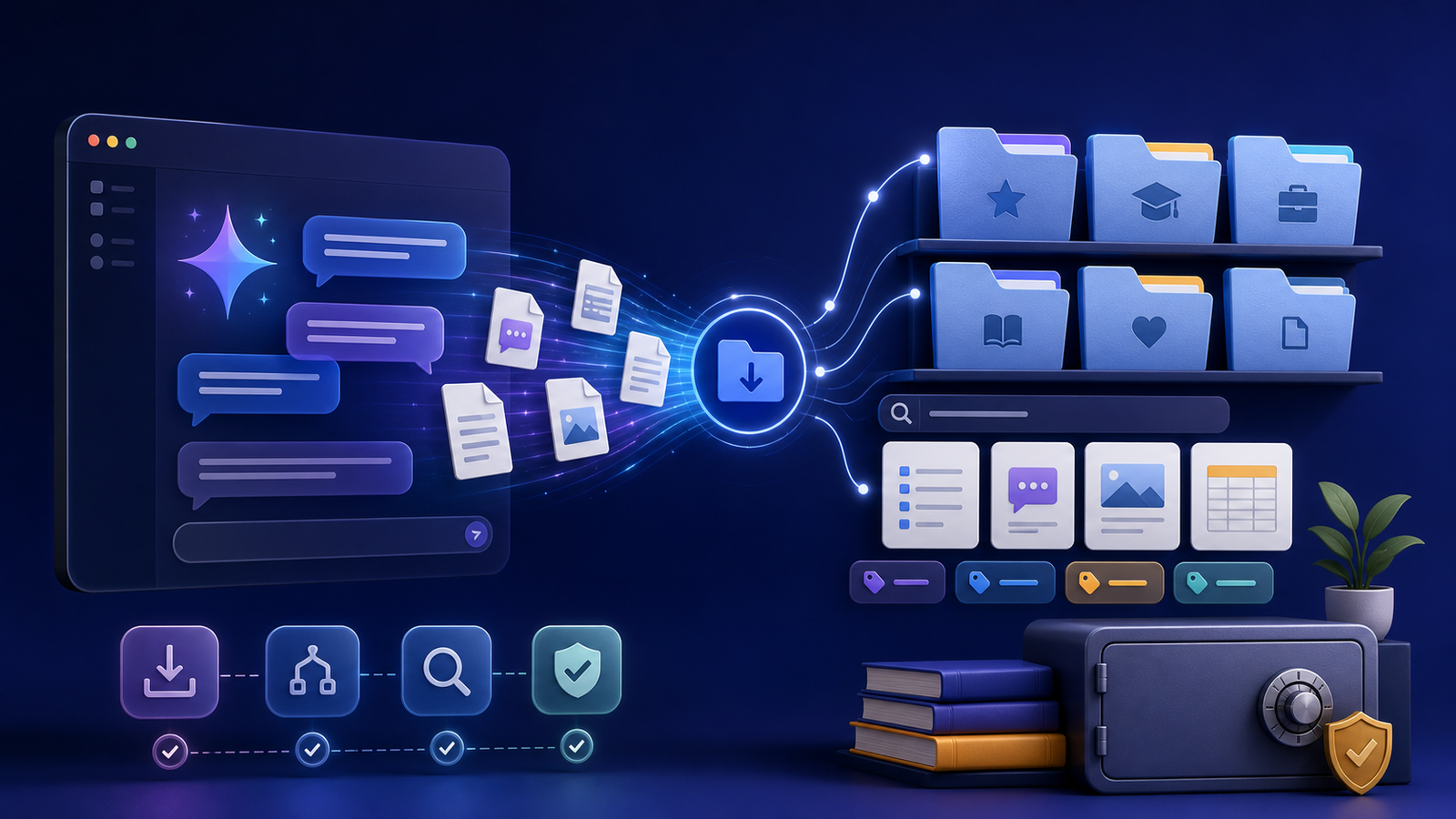
A complete system covers format, naming, media, search, and backup—not only the download button.
Knowing how to export and organize Gemini conversations gives useful research, decisions, prompts, and creative work a life beyond a browser tab. A good archive does more than collect files. It preserves enough context to understand each conversation, makes important material easy to find, and keeps private information under your control.
This guide presents a complete workflow you can start with one conversation and expand over time. You do not need an elaborate knowledge-management system. You need a repeatable export format, predictable names, a small set of folders, searchable text, and a tested backup.
Decide what belongs in your archive
Not every quick question needs permanent storage. Export conversations that contain work you would be frustrated to lose or forced to recreate:
- Research with useful sources or comparisons
- Project plans, requirements, and decisions
- Writing drafts and reusable prompts
- Troubleshooting sessions with a working solution
- Generated images or files connected to ongoing work
- Personal records you intentionally want to retain
Before exporting, remove accidental secrets and irrelevant tangents when your chosen method allows editing. If a conversation contains sensitive material, label it for restricted storage instead of mixing it with general notes.
Google provides an official process to download Gemini Apps data. A download does not delete the account copy, so treat export and deletion as separate choices. For account-level Google archives more broadly, see download your Google data.
Choose an export format for the next use
The best format depends on what you plan to do with the conversation. Markdown is easy to read, search, edit, and track with version control. PDF is useful when page appearance matters or when you need a fixed reference copy. JSON is valuable when software will process the messages, roles, timestamps, or other structured fields.
You do not always have to choose only one. A practical archive can keep Markdown as the working copy and retain JSON as the structured source. Use PDF selectively for records that require a stable visual snapshot. The detailed Gemini export format comparison explains those tradeoffs.
Give every export a useful identity
A filename should answer three questions without opening the file: when was this created, what is it about, and which project owns it? One durable pattern is:
YYYY-MM-DD_project_topic_short-description.ext
For example:
2026-07-23_website-research_gemini-export-formats.md
Use lowercase words, predictable separators, and a short description. Avoid names such as chat-1, final, or new-export, which become meaningless after a few weeks. If a conversation changes materially, keep a revision marker or a new date rather than silently replacing the earlier record.
Our folder and filename guide includes a simple inbox-to-archive structure that works for both personal and team projects.
Preserve context, not just transcript text
A transcript without context can be difficult to trust later. Add a compact metadata block near the beginning of an editable export:
title: Gemini export format research
date: 2026-07-23
project: Gemini Exporter
topics: [export, markdown, archive]
status: reference
sensitivity: internal
Also record why the conversation mattered, what decisions came from it, and whether any claims still need verification. AI output can contain errors, and sources can change. An archive should preserve evidence and uncertainty instead of turning every response into an unquestioned fact.
Images, downloads, and links need special handling. Keep local attachments beside the conversation or in a related media folder, and record the original URL and retrieval date for important external sources. Follow the attachment and source preservation checklist when the transcript depends on material outside the text.
Turn the folder into a searchable archive
Plain text is the most durable foundation for search. Operating-system search may be enough for a small collection. A larger archive benefits from consistent metadata, a desktop search tool, a notes application, or a local index.
Search quality depends more on good source material than on complicated software. Retain descriptive titles, normalize dates, use a controlled set of topic tags, and include a short summary. Optical character recognition can help with image-only documents, but review its output before relying on it.
The searchable Gemini archive guide walks through a lightweight progression from ordinary folders to indexed full-text search.
Protect private conversations with a real backup
An export is not automatically a backup. A single folder on one laptop can disappear with device failure, theft, accidental deletion, or ransomware. Keep multiple copies on different storage media and place at least one copy in a separate location.
Encrypt devices and backup destinations that contain private conversations. Restrict shared-folder access, and do not assume that a convenient synchronization service provides complete version history or recovery. Test restoration by retrieving a small sample and opening its conversations and attachments.
Use the Gemini conversation backup and privacy guide to select storage based on sensitivity rather than convenience alone.
Use a repeatable monthly maintenance routine
An archive stays useful when maintenance is small and scheduled:
- Move new exports from the inbox into project or topic folders.
- Rename unclear files and add missing summaries or tags.
- Check that linked attachments exist.
- Remove redundant working copies only after confirming the retained version.
- Run a backup and restore one sample.
- Review restricted material and update access when projects change.
Do not postpone all organization until the collection feels unmanageable. Five minutes after each export and a short monthly review usually cost less than a large cleanup.
Frequently asked questions
Can I organize Gemini conversations without special software?
Yes. A consistent folder hierarchy, descriptive filenames, Markdown or text exports, and ordinary desktop search are enough for many archives. Add specialized indexing only when the collection outgrows basic search.
Should I keep the original export?
Keep an unchanged source copy when authenticity, structured data, or future conversion matters. Make edits in a separate working copy so you can distinguish the original record from your notes.
Is cloud synchronization the same as backup?
Not always. Synchronization can copy accidental deletions or unwanted changes across devices. Confirm retention, version history, encryption, and restore behavior, then keep an independent copy for important archives.
How often should I export conversations?
Export at meaningful milestones: after a research phase, when a decision is made, when a project ends, or whenever losing the conversation would create significant rework. Use a recurring review if Gemini is part of daily work.
Build the smallest system you will maintain
Start by exporting one valuable conversation. Give it a descriptive filename, add a summary and project tag, store its attachments, make it searchable, and create a second protected copy. Once that small workflow feels natural, apply it to the conversations that deserve to become durable knowledge.
When you want productized help with volume, media types, or multi-provider archives, review Gemini Exporter packages or get started.