How to Preserve Images, Files, and Links in a Gemini Export
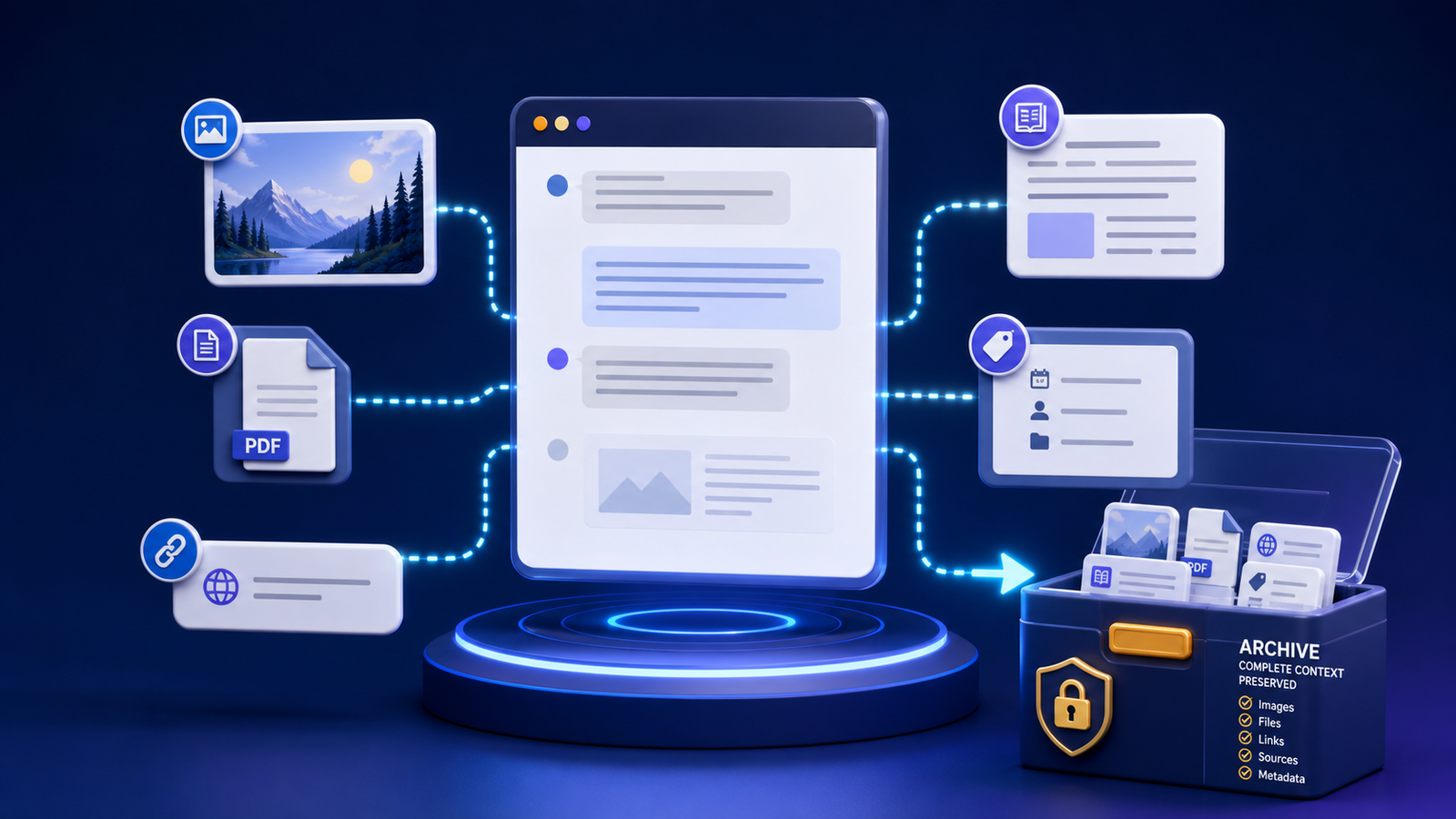
The transcript and its supporting files should travel as one package.
To preserve files in a Gemini export, treat the transcript and its supporting material as one package. Download authorized attachments, use stable relative paths, record source URLs and retrieval dates, and verify the package from a different folder or device.
A conversation can look complete while depending on temporary image URLs, account-only downloads, or external pages that later change. The visible transcript is only one layer of the record.
Google’s Gemini response export instructions note that export options vary by app and account settings. Check the result instead of assuming that every visible item moved with the response. When you write image descriptions for archived media or for publishable pages, the W3C alt decision tree is a practical accessibility reference.
Inventory everything the conversation references
Review the conversation from beginning to end and classify:
- Images displayed inside messages
- Files you uploaded
- Files generated for download
- External webpages and citations
- Embedded tables or code
- Video, audio, or interactive media
- Account-only resources
Record whether each item is embedded, stored locally, or reachable only through a remote URL. Do not download material you lack permission to retain.
Store attachments beside the conversation
Use a companion asset directory whose name matches the transcript:
2026-07-23_project_research.md
2026-07-23_project_research-assets/
├── source-chart.png
├── generated-outline.docx
└── references.csv
Link with a relative path:

Relative paths survive when the whole package moves. Absolute paths tied to one username or hard drive often break on another computer.
Use descriptive, safe filenames. Preserve the original filename in metadata when changing it would lose useful provenance.
Record metadata for every important asset
For each consequential file, capture:
- Archive filename
- Original filename
- File type and size
- Source or originating message
- Original URL when applicable
- Retrieval or generation date
- Short description
- Rights or usage limitations
- Checksum when integrity matters
A simple CSV or Markdown table is adequate. Metadata answers questions that a folder alone cannot, such as whether an image was uploaded by a user, generated during the conversation, or retrieved from a source site.
Handle remote images and temporary links
Do not assume a URL will remain available. Download a permitted local copy when long-term access matters. Keep the source URL and access date even when a local copy exists.
Some download links expire quickly or require the original account session. Test exported links in a private browser window or while signed out. If access fails, retrieve the authorized file through the original account before considering the archive complete.
Never treat downloading as ownership. Retain attribution and licensing information, and do not republish third-party material merely because it exists in your archive.
Preserve citations with enough context
A bare URL is weak evidence. Record the page title, publisher, author when available, publication date, URL, access date, and the claim the source supported.
For high-value research, keep a lawful snapshot or short note describing the relevant evidence. Webpages change, and AI-generated citations can be inaccurate. Open each important source and verify that it exists and actually supports the statement before relying on it.
The searchable metadata techniques in the Gemini archive guide make those source records easier to retrieve.
Preserve code and structured data accurately
Keep code in fenced blocks with a language label. Store large scripts or datasets as separate files rather than copying them through multiple rich-text editors. Preserve character encoding and line endings when they matter.
For JSON, CSV, or other structured files, validate that the result still parses. A visually plausible preview does not prove that quotes, delimiters, or nested data survived.
Verify the complete package
Copy one archived conversation and its asset directory to a temporary location, then:
- Open the transcript.
- Confirm every local image renders.
- Open each attachment.
- Search for a known phrase.
- Validate structured data.
- Check important external links and their metadata.
- Confirm no absolute local paths remain.
Perform this test before deleting any original download or relying on the archive as the only retained copy.
Repeat the check after moving or renaming the package. That second test catches hard-coded paths that still worked in the original folder. If another person will use the archive, ask them to open the package on a separate account or device as well.
Frequently asked questions
Does PDF preserve all Gemini attachments?
No. A PDF may show images or attachment names without including the original files. Inspect the PDF and save the underlying files separately when reuse or verification matters.
Should I save every linked webpage?
Usually not. Prioritize sources that support important decisions, are likely to change, or would be difficult to recover. Always respect copyright, access restrictions, and data policies.
What if an attachment contains sensitive information?
Apply the same or stronger sensitivity label as the conversation, encrypt its storage, and restrict access. Redact a separate sharing copy instead of altering the preserved source.
Connect the package to the larger archive
Use the folder and filename method to keep transcript packages together, select a durable conversation export format, and protect everything with the privacy-conscious backup guide. The complete export and organization system shows how all six parts fit together.