Best Format to Export Gemini Conversations
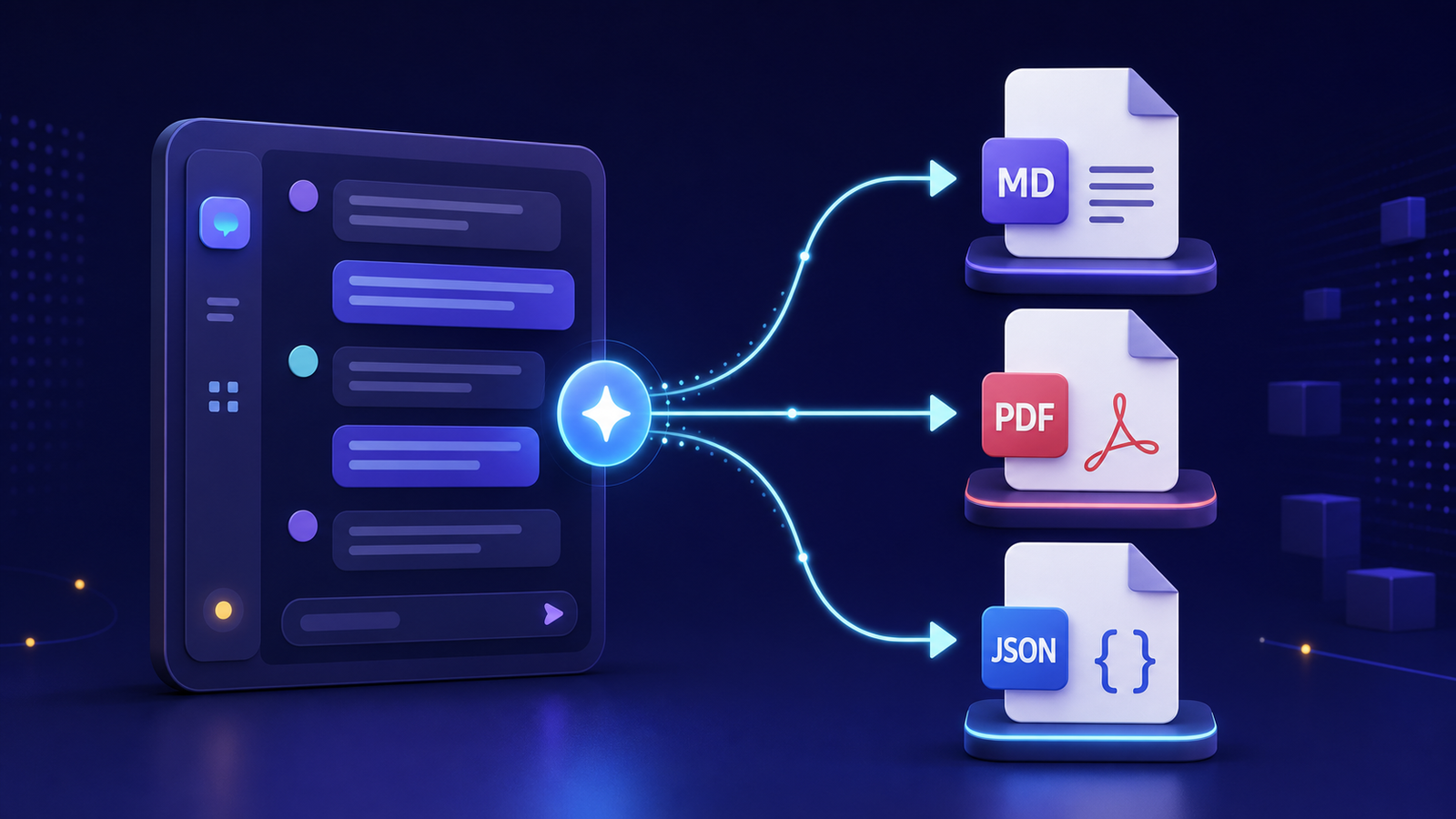
Choose the export format by the job you need to do later, not by habit.
The best format to export Gemini conversations depends on whether you want to read, preserve, edit, search, or process them. Markdown is usually the strongest everyday working format. PDF provides a fixed visual record. JSON preserves structure for software and automation.
Choosing by filename extension alone can create an archive that looks complete but fails when you need it. Compare the formats against the actual job.
Google also offers built-in ways to export individual Gemini responses to supported apps. Those options differ from downloading a full data archive, so check what each route includes before choosing your source. For syntax that stays readable across tools, the Markdown Guide getting-started overview is a solid baseline for plain-text working copies.
Choose Markdown for a flexible working archive
Markdown stores readable text with lightweight formatting. It works well for conversation archives because it is:
- Easy to open in many editors
- Searchable without a proprietary database
- Small enough to copy and back up efficiently
- Editable without destroying basic structure
- Friendly to version-control systems
- Convertible to HTML, PDF, and other formats
Markdown is a good default for research notes, project records, reusable prompts, and writing workflows. It also supports links and relative image references, although the associated image files must travel with the document.
Its weakness is visual fidelity. Complex tables, embedded interfaces, and rich attachments may not reproduce exactly. Markdown also has no universal schema for message roles or timestamps, so an exporter must represent those consistently.
Choose PDF for a fixed reference copy
PDF is designed to preserve page appearance across devices. It is useful when you need a record that resembles what a reader reviewed, a file to share with a nontechnical collaborator, or a stable artifact for a project package.
PDF is less suitable as the only archival format. Editing is awkward, extracting structured messages can be unreliable, and long conversations may produce unwieldy documents. Search works when the PDF contains real text, but scanned or image-only PDFs may require optical character recognition.
Use PDF when appearance matters. Keep a text-based format alongside it if you expect to quote, reorganize, or analyze the conversation later.
Choose JSON for structured reuse
JSON is the most useful option for software. A well-designed export can retain message roles, order, timestamps, identifiers, citations, attachment references, and other fields without flattening them into presentation text.
That structure supports:
- Importing conversations into another application
- Building a search index
- Running local analysis or conversion scripts
- Filtering messages by role or date
- Producing multiple human-readable formats later
JSON is harder to read casually, and schemas differ between exporters. Validate that a JSON export contains the fields you expect. Keep a schema note or example so the data remains interpretable if the exporting tool changes.
Compare the formats by purpose
| Need | Markdown | JSON | |
|---|---|---|---|
| Comfortable reading | Excellent | Excellent | Limited |
| Full-text search | Excellent | Good when text-based | Excellent with tooling |
| Easy editing | Excellent | Limited | Moderate with tooling |
| Visual preservation | Limited | Excellent | Limited |
| Structured automation | Moderate | Poor | Excellent |
| Long-term portability | Excellent | Good | Excellent with schema |
For many people, the practical answer is Markdown plus JSON. Markdown becomes the readable working copy; JSON remains the structured source. Add PDF only for conversations whose visual presentation matters.
Test an export before committing to it
Export one representative conversation containing headings, lists, links, code, images, and a long response. Then check:
- Are user and assistant messages clearly distinguished?
- Are links still usable?
- Are code blocks and tables readable?
- Are images included or referenced?
- Are timestamps and titles preserved?
- Can you search for a known phrase?
- Can another application open the file without the exporter?
A successful download is not enough. The result must preserve the information you expect to retrieve.
Repeat the test after a tool update. Exporters can change their field names, attachment handling, or output layout. A small sample check catches those changes before they affect a large batch.
Plan for attachments separately
None of these formats guarantees that remote images and linked files are safely captured. A PDF may display an image while omitting its original file. Markdown may point to a URL that later disappears. JSON may contain only an attachment identifier.
Use the guide to preserving images, files, and links before treating an export as complete.
Frequently asked questions
Is HTML a useful Gemini export format?
HTML can preserve rich structure and open in a browser, but a complete archive may require a folder of images, styles, and supporting files. It can be a good readable copy when the exporter creates a self-contained file.
Which format is easiest to search?
Markdown and plain text work well with ordinary file search. JSON works well when indexed by software. Text-based PDFs are searchable, but extraction quality varies with document construction.
Can I convert formats later?
Usually, but conversion cannot recover information that the first export discarded. A PDF created without message metadata cannot recreate a rich JSON schema. Preserve the most complete source format available.
Make the format part of a system
Format selection is only the first step. Apply a consistent folder and filename system, then follow the complete export and organization workflow so the files remain understandable, searchable, and protected.