Mastering Gemini Media Exports: A Local-First Guide
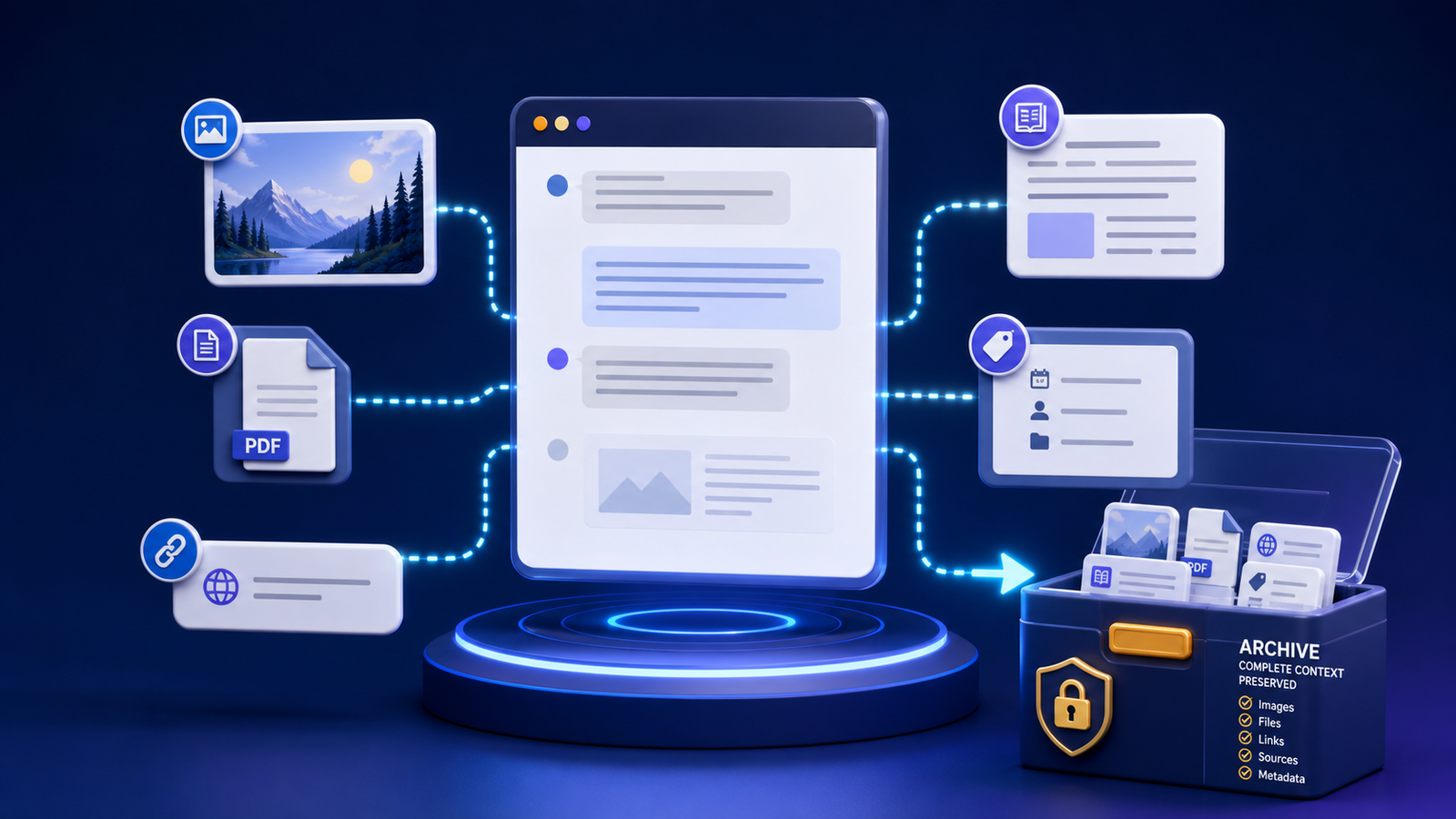
A useful Gemini export keeps media beside the conversation, not trapped in a browser session.
Generating useful material in Gemini is only half the job. The harder half is moving that work into your own ecosystem without losing images, code, links, or the context that made the conversation valuable. Gemini media exports work best when they are local-first: files land on your machine in a form you can open, search, back up, and reuse without depending on a single browser tab.
This guide is a practical introduction for creators, researchers, and developers who want a durable library instead of a scattered downloads folder.
Why local-first exports matter
Cloud chat history is convenient while the product works the way you expect. It is less convenient when:
- You need the conversation offline
- A project changes accounts, teams, or tools
- An image or generated file is hard to re-find
- You want version control, backups, or private storage rules
- You plan to publish or repurpose part of the work later
A local-first export does not mean rejecting cloud tools. It means treating the browser conversation as the workspace and the export package as the record of record.
Google documents how to export Gemini responses and how to download Gemini Apps data. Those official paths are important source options. Your job is to decide what becomes a maintainable local library after the download.
What a complete media-aware export includes
Text alone is rarely enough. A strong Gemini export package usually contains:
- Conversation transcript with clear user and assistant turns
- Embedded or attached images with local files and descriptive names
- Code blocks preserved with language labels or companion source files
- Downloads generated during the session
- Links and citations with enough metadata to verify later
- Optional structured JSON for automation
- A short summary of purpose, outcome, and sensitivity
If any of those pieces are missing, the archive may still open—but it will not fully reconstruct the session.
A simple local-first workflow
Use this sequence for the conversations worth keeping:
- Select intentionally. Export work you would hate to recreate, not every short question.
- Choose formats. Prefer Markdown for reading and JSON for structure. Add PDF only when visual fidelity matters. See the format comparison guide.
- Capture media with the transcript. Keep images and files in a companion assets folder. Follow the attachment preservation checklist.
- Name for retrieval. Use a date, project, topic, and short description in the filename.
- Add a three-line summary. Purpose, outcome, follow-up.
- Store in an inbox, then file by project. Use the folder and filename system.
- Make a second protected copy. Local control is incomplete without backup and restore testing. See the privacy-aware backup guide.
Media integration checklist
Before you call an export finished, verify:
- Every important image opens from a relative local path.
- Generated files are present, not only named in the transcript.
- Code blocks are complete and still parse or run where relevant.
- Canvas or HTML outputs are saved as files when you need the interactive result.
- External links still resolve, or their titles and access dates are recorded.
- No temporary signed URLs are the only copy of a critical asset.
- The package can move to another folder without broken absolute paths.
This checklist turns a download into a portable content pack.
From export package to publishable work
Local archives are useful even if you never publish. When you do publish, a clean package saves hours:
- Research chats become cited drafts
- Image-bearing sessions become illustrated posts
- Code-heavy sessions become implementation notes
- Decision threads become project documentation
Structure and metadata also help search engines and content systems later. Google’s SEO starter guide is a solid baseline when an exported conversation becomes a public page. Keep private material out of public packs, and redact before sharing.
Common mistakes to avoid
- Text-only exports for visual work. Diagrams and generated images often hold the real value.
- Leaving files in Downloads forever. An unorganized dump is not an archive.
- Assuming sync equals backup. Sync can delete or encrypt every copy the same way.
- Trusting every AI citation. Open primary sources before relying on them.
- Mixing restricted and public material. Sensitivity labels should affect storage and sharing.
Frequently asked questions
Do I need a special tool to start?
No. You can begin with official Google download or export options, a consistent folder, and Markdown. Specialized exporters become valuable when you want repeatable packaging, media capture, and catalogs at scale.
Should every Gemini chat be exported?
No. Export milestones, decisions, reusable assets, and research you would otherwise lose. Lightweight disposable chats can stay disposable.
What is the first upgrade after a basic export?
Add a companion assets folder and a short summary. Those two habits improve reuse more than an elaborate taxonomy.
Build a library you can trust
Local-first Gemini media exports are about ownership and continuity. Start with one important conversation, preserve its text and media together, file it with a clear name, and confirm you can open the package without the original browser session. When that works, apply the same pattern to the rest of the work worth keeping.
For the full end-to-end system, continue with the complete export and organization guide and the searchable archive walkthrough.