Why Gemini Exports Need to Handle Media, Not Just Text
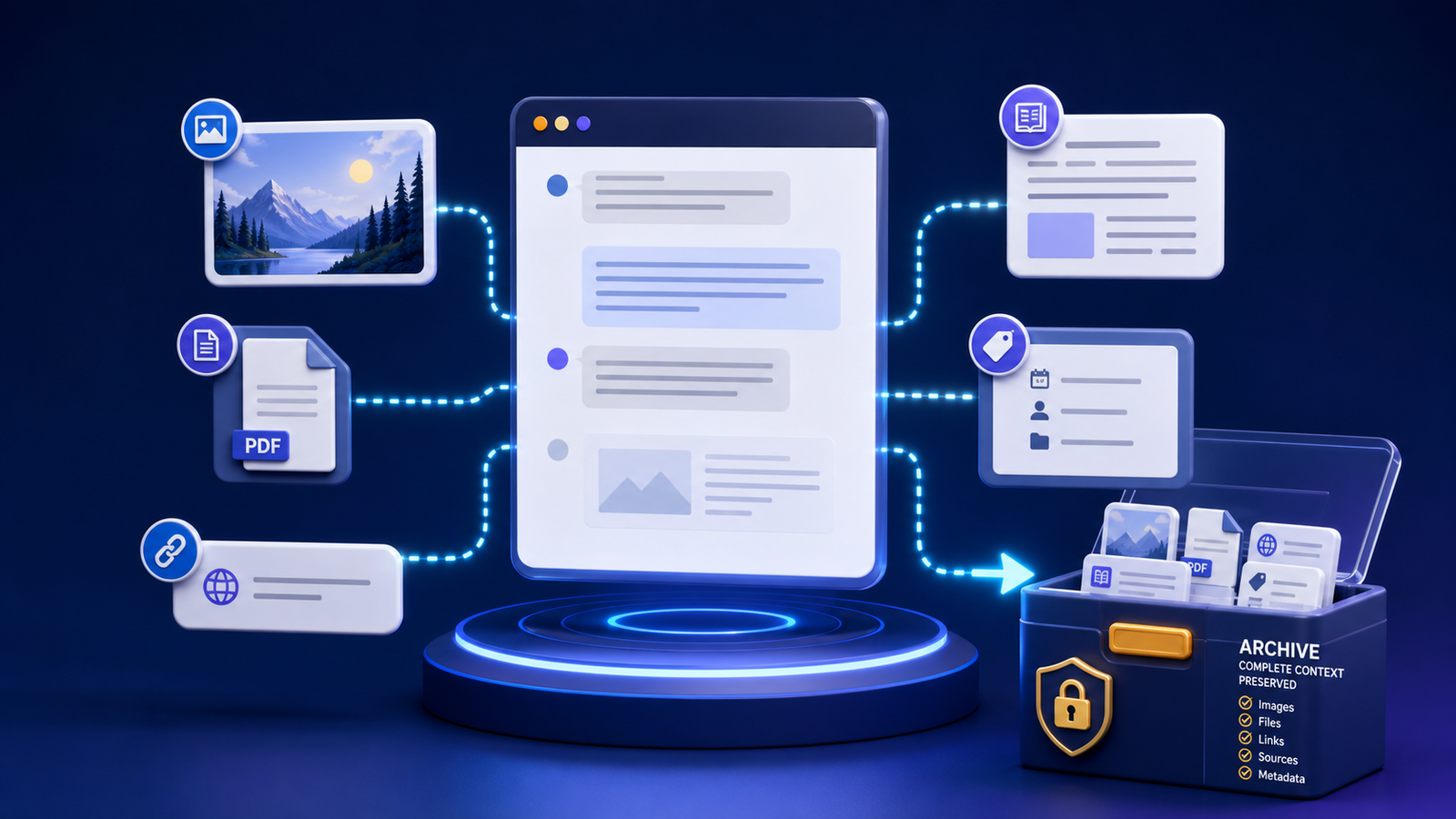
If the export only keeps words, the most actionable parts of the session may already be gone.
When people plan AI exports, they often start with the transcript. In modern Gemini workflows, the transcript is only the spine. Images, generated files, code, audio, and interactive Canvas output frequently hold the value you will need later. That is why Gemini exports need to handle media, not just text.
A media-aware export strategy treats every supporting artifact as part of the record.
Beyond the transcript: what “media” includes
In this context, media is broader than photos:
- Images generated or uploaded in the chat
- Screenshots and diagrams that explain a decision
- Audio or video clips referenced or produced in-session
- Downloadable documents and data files
- Code blocks and larger source files
- Canvas HTML or other interactive previews
- Citations and external assets the transcript depends on
If any of those disappear when the browser session ends, the export is incomplete for real work.
Why text-only exports quietly fail
A text-only file can still look professional while hiding serious gaps:
- A diagram is described but not saved
- An image URL works today and 404s next month
- Code is partially copied and no longer runs
- A CSV “shown” in chat never becomes a local file
- Interactive Canvas output exists only as a screenshot mention
- Source links lack titles, publishers, or access dates
The conversation remains readable, but the actionable package is gone.
Google’s own Gemini response export help notes that available export options can vary. Always inspect what actually arrived instead of assuming parity with the on-screen session.
Why media-heavy exports win
Visual context
Images and diagrams compress understanding. A chart, wireframe, or generated concept art often carries the decision more efficiently than paragraphs restating it.
Code integrity
Properly exported snippets and companion source files are ready for review or implementation. Reformatting code through multiple rich-text surfaces invites silent breakage.
Dynamic content
Canvas HTML and similar outputs can preserve interactive previews in a local library. A sentence that says “see interactive demo” is not a demo.
Reuse and publishing speed
Media already stored with stable filenames, alt text notes, and relative paths is much faster to place into docs, tickets, or posts. Google’s Image SEO best practices are useful when those assets later become public; private archives still benefit from descriptive names and captions.
The media-aware export package
For each important conversation, aim for:
2026-07-23_project_topic/
├── conversation.working.md
├── conversation.source.json
├── media/
│   ├── diagram-architecture.png
│   └── concept-hero.png
├── assets/
│   ├── snippet.py
│   └── canvas-preview.html
└── metadata/
    └── inventory.csv
Link images with relative paths and descriptive alt text. Record original filenames, source URLs, and retrieval dates in the inventory. The full procedure lives in the preserve images, files, and links guide.
A practical media audit for your last three exports
Open your three most recent “finished” exports and answer:
- Did every referenced image arrive as a local file?
- Are code blocks complete and correctly fenced or stored as files?
- Do downloads open without returning to the original account session?
- Would the package still make sense if temporary URLs died tomorrow?
- Can you move the folder and keep every relative link working?
If you answer “no” more than once, the workflow needs a media pass before you scale volume.
Choose formats that do not trap media
Format choice affects media survival:
- Markdown can reference local images well when files travel with the document
- JSON can retain attachment metadata for tooling when the schema is clear
- PDF may display images without giving you reusable originals
Compare options in the best format guide, then file packages with the folder and filename system.
Privacy and rights still apply to media
Media often concentrates sensitive content: faces, documents, credentials in screenshots, client logos, or proprietary layouts. Apply sensitivity labels, encrypt storage, and redact before sharing. Do not treat “I can download it” as permission to republish third-party material.
For durable private copies, use the backup and privacy checklist.
Frequently asked questions
Is a screenshot of the chat enough?
Sometimes as a quick visual note, almost never as the only archive. Screenshots are hard to search, edit, and reuse, and they may omit full-resolution assets and code.
Should every image be kept forever?
No. Keep media that supports decisions, deliverables, or hard-to-recreate work. Drop disposable intermediates once the retained package is verified.
Does HTML preserve embedded content better than Markdown?
HTML can preserve richer presentation, but it often needs a folder of supporting files. Evaluate the whole package, not the extension alone. For background on embedded content concepts in HTML, see the W3C discussion of embedded content.
Upgrade the export, not just the prose
Gemini is a multimodal workspace. Your export process should be multimodal too. Capture the transcript, then capture the media that makes the transcript true, useful, and reusable. When that package is solid, connect it to search and long-term organization through the complete export system and the searchable archive guide.